Update on my dying iPod
So, in the last post, I mentioned that my iPod was suffering from 20-year-old hard drive syndrome. A direct quote from the last post in case you haven't read:~ "It being a 30GB model with a slightly dead hard drive kinda sucks, since the bad sectors make it a 23-ishGB iPod, but I've already bought an SD card board." ~
In that quote, I also mentioned that I had bought an SD card adapter board. I was sorta lying there - I had bought two adapters. One used the iPod's ZIF IDE port to replace the spinning rust with a CF card. The other was a CF card to microSD adapter. Apparently the CF adapter I bought was the "Type 1 EXTREME CF ADAPTER x2!!!", trademark pending, I'd assume. It lets you use two SD cards in place of a CF card. But you can apparently just use one card if you're broke like me.
So, with these two contraptions in my possession I tore down the iPod, replaced the hard drive with the CF adapter, and put in the SD card disguised as a CF card. It took a couple tries of adjusting the connector and reseating the "CF card", but eventually I got to the "Connect to your computer. Use iTunes to restore." screen. That was when hell broke out for a short period.
I booted up my Windows VM, opened up iTunes, passed the iPod to the VM and tried restoring. It started restoring, then threw an error - Error Code 1441. Not sure what that even means, but I reseated the CF card again just to make sure. After another reboot of the iPod and a restore, it claimed to have completed the restore. Then the iPod rebooted, and I was in the "Connect to your computer." screen. I was confused, cause I had already restored - then I got the "This iPod needs to be restored." warning in iTunes. I got worried, and tried restoring again. After 5 tries and no functional restores, I was extremely worried.
I started frantically Google-ing, trying to understand what was causing this. I finally came across a Reddit post, where someone in the comments explained this was a common issue with this configuration. I had to install Easeus Partition Manager, format the iPod to FAT32, go to the Rebuild MBR dialog and stay there, restore the iPod, and once it hits 100%, hit Rebuild MBR. It was a convoluted process, and I had to replace Easeus Partition Manager with MiniTool. After about 2 failed tries, I succeeded with the third one.
Eventually it turned on, and was in the "Do not disconnect." screen, indicating it was connected to iTunes. I set it up, named my newborn, disconnected from iTunes, and turned the VM off. After approximately 30 minutes of re-syncing my music collection, it was complete.
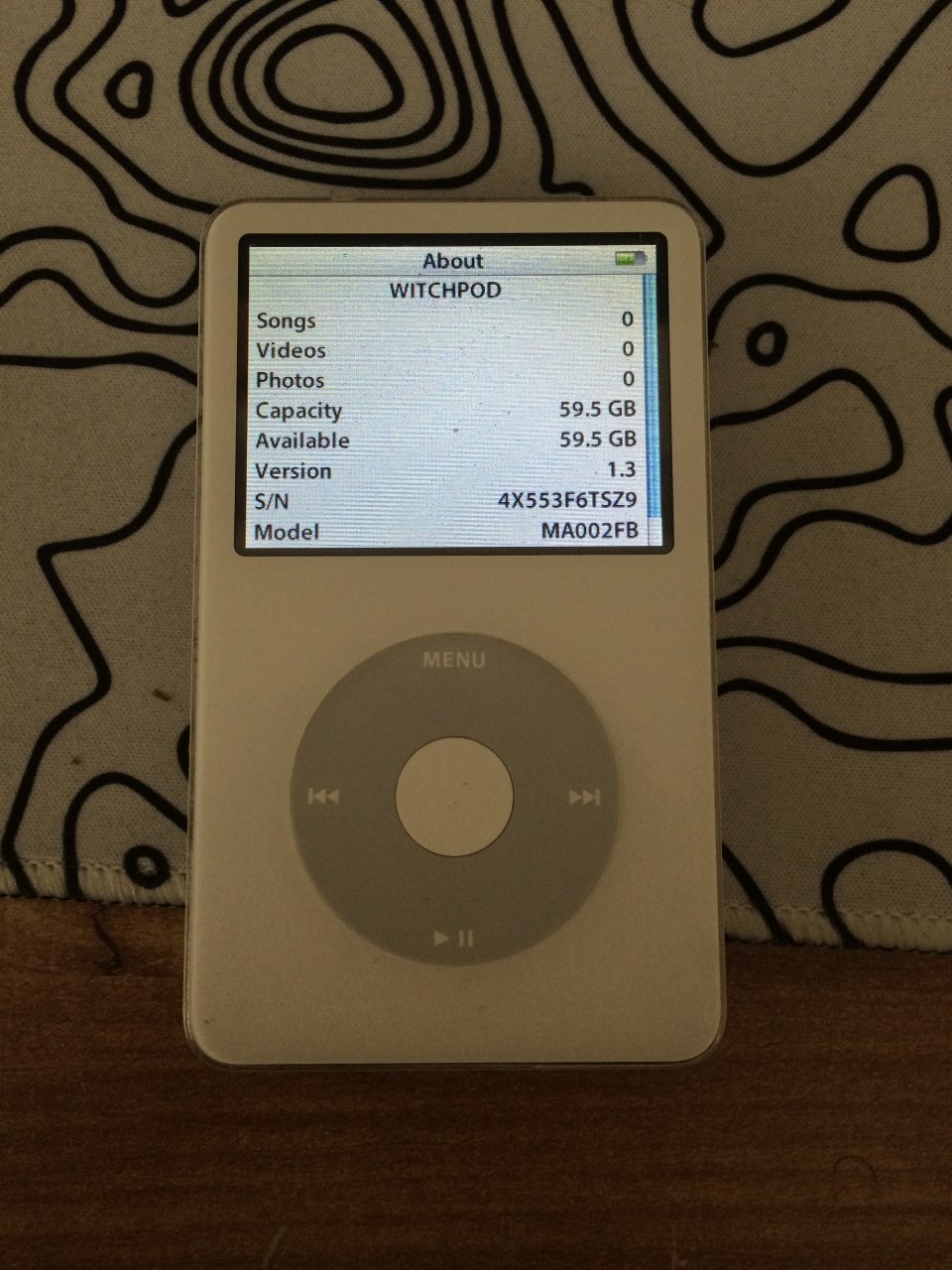
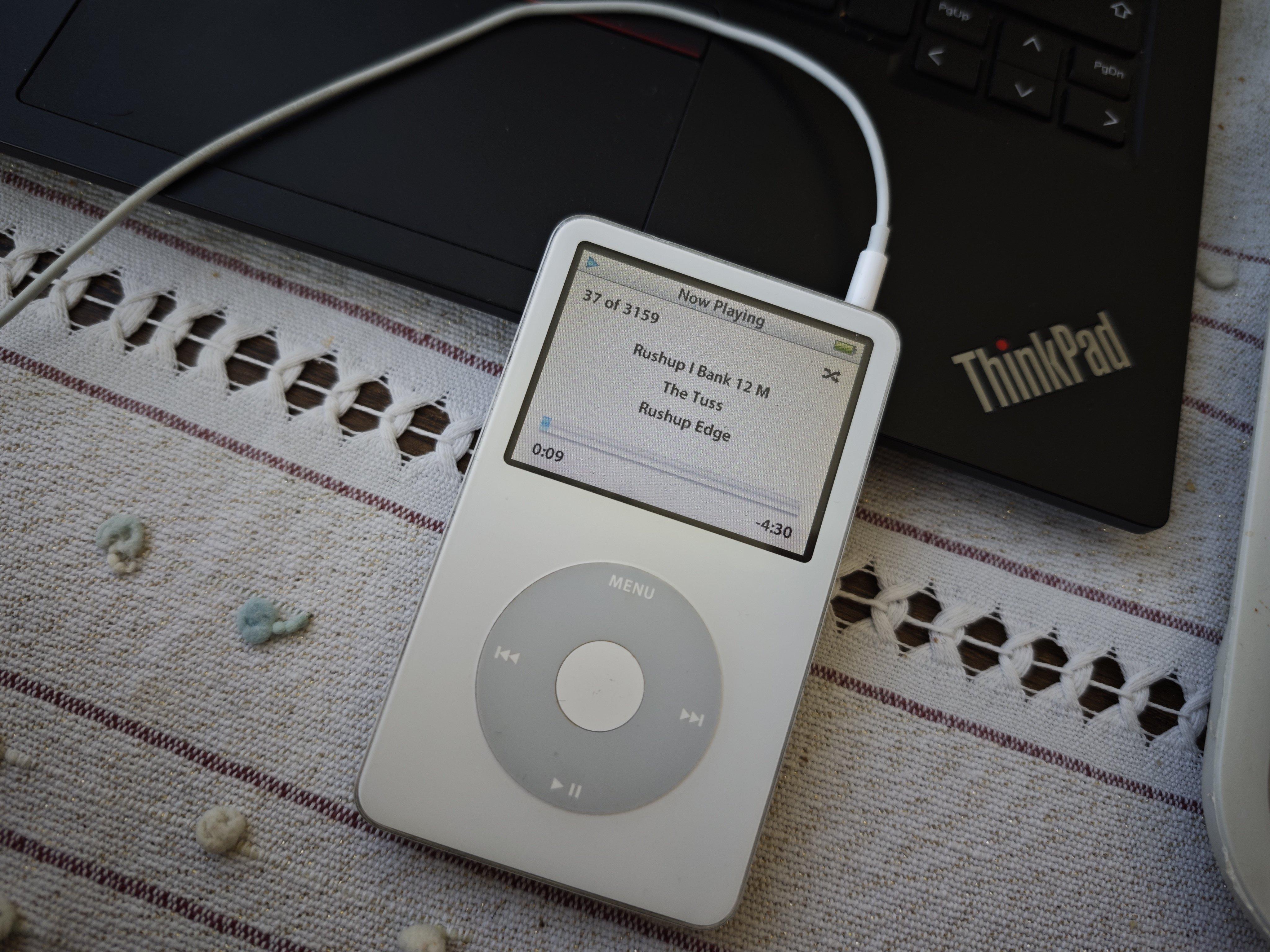
So, with the iPod journey complete, I don't have any other expensive endeavors to look into for a while. The flash mod is working really really well, and I've been listening to music on my iPod while writing this post. Battery seems to be slightly better, but that might be placebo on my end.
And, well, that's about it! Thanks for reading!
- Asya, 11/4/26